
Download TotalEdit – text editor, notepad alternative, code editor, html editor, rich text, unicode support, tabbed interface, image insertion, simple tool, productivity app
Overview
TotalEdit is a mobile text editing application designed to function as a modern, feature-enhanced alternative to the classic Notepad. Developed by Jason K. Menard, the app aims to provide users with a lightweight yet powerful tool for managing text-based tasks on Android devices. Its primary purpose is to simplify everyday editing needs while supporting more advanced workflows such as basic coding, markup writing, and document creation with rich formatting. The app targets a broad audience, including students, professionals, developers, and casual users who require a reliable, fast, and accessible editing environment.
By integrating features like tabbed editing, Unicode and UTF-8 encoding support, and HTML preview, TotalEdit bridges the gap between basic text tools and full-featured code editors. It is particularly useful for users who need to write and test small scripts, draft notes with visual elements, or manage multiple text files without switching between apps. The app’s focus on simplicity ensures that even users unfamiliar with complex software can navigate it with ease.
Launched in 2010, TotalEdit has maintained relevance by offering a stable and efficient solution in the Android productivity ecosystem. While it does not claim to replace full IDEs or desktop editors, it serves as a practical utility for quick, on-the-go text manipulation. The developer’s commitment to maintaining a lightweight, functional tool underscores its value in a market saturated with bloated applications.
Key Features & Functionality
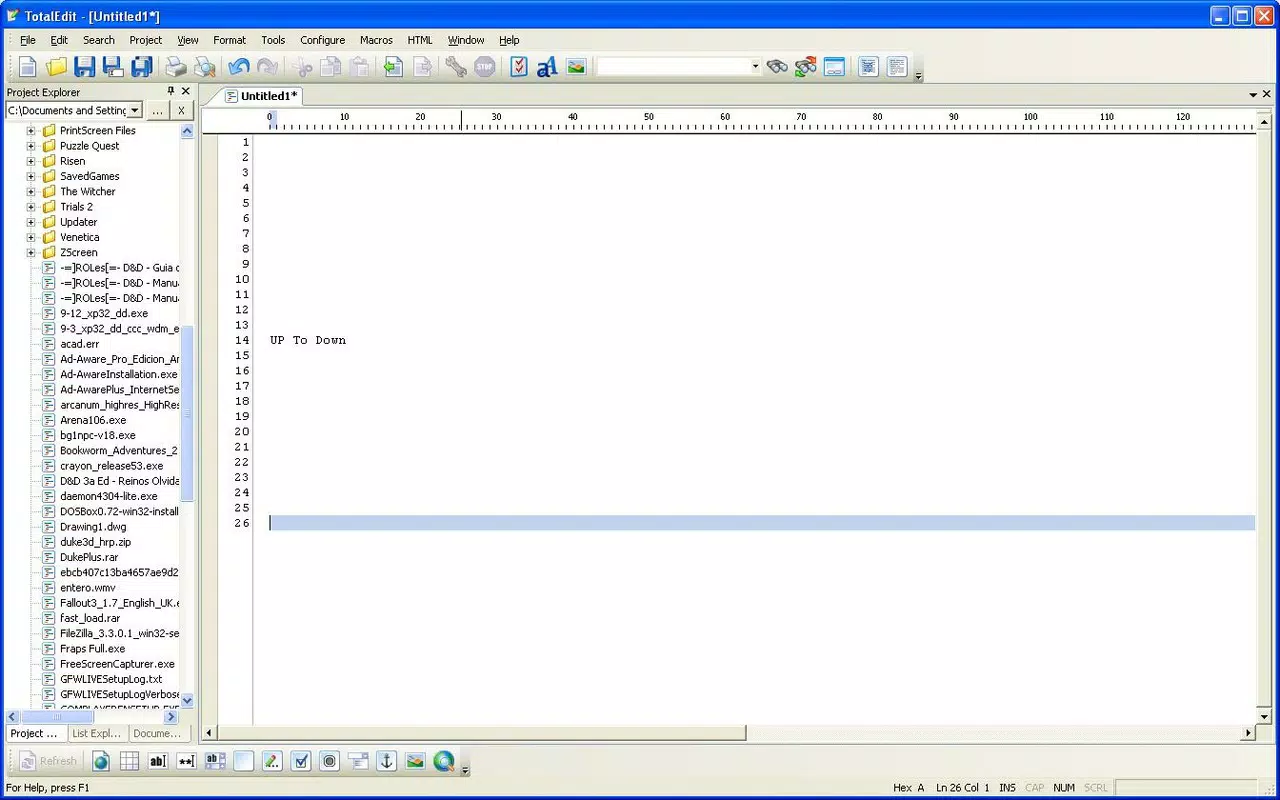
- Tabbed Editing: Users can open and manage multiple documents within a single interface using tabs. This allows for seamless switching between files, improving workflow efficiency when working on several projects simultaneously.
- Encoding Support: TotalEdit supports Unicode and UTF-8 encoding, enabling users to work with multilingual text, special characters, and diverse data formats without corruption or display issues.
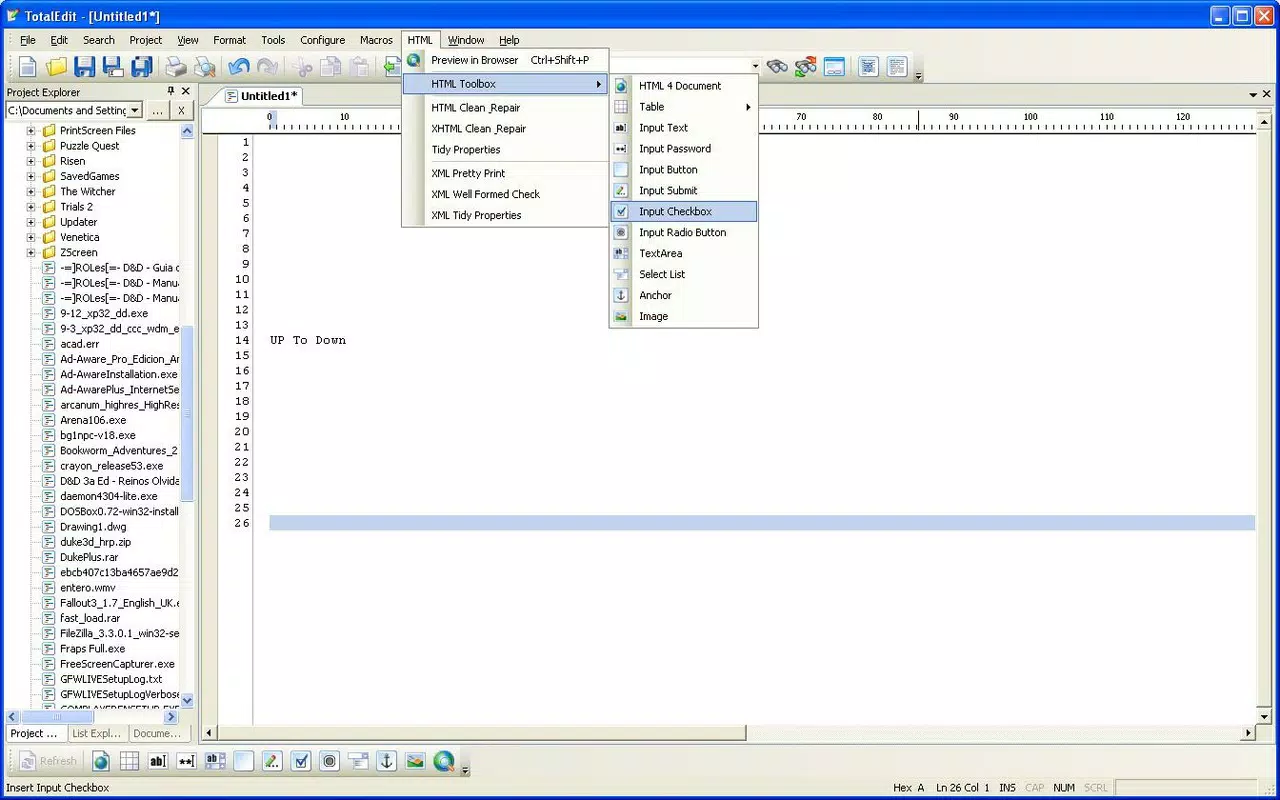
- HTML Preview: The built-in preview function renders HTML code in real time, allowing developers and designers to instantly view how their markup will appear in a browser. This streamlines the process of writing and testing front-end code.
- Image Insertion: Users can embed images directly into text documents, enhancing the richness of notes, tutorials, or documentation. This feature is particularly useful for creating visual-rich content or annotating code with diagrams.
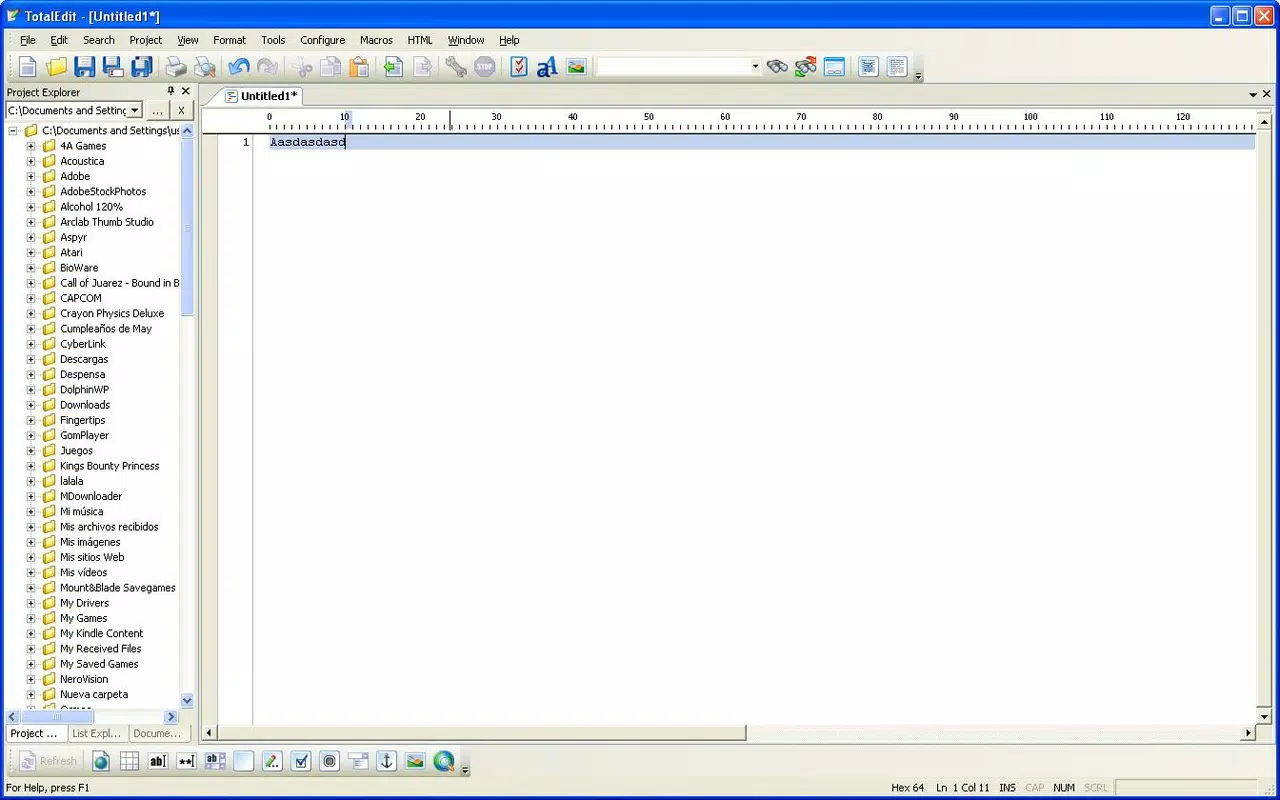
- Simple, Intuitive Interface: The layout mirrors the familiar Notepad experience, ensuring minimal learning curve. Even users with limited technical knowledge can use the app effectively for daily tasks.
These features combine to make TotalEdit a versatile tool for both casual and technical users. For instance, a student might use it to organize notes with embedded diagrams, while a junior developer could write and preview HTML snippets on the go. The app’s balance of functionality and accessibility makes it a valuable utility for mobile productivity.
Interface, UX & Performance
TotalEdit presents a clean, minimalistic interface that prioritizes usability and readability. The layout is straightforward, with a main text area flanked by essential controls, ensuring that users can focus on content creation without distractions. Navigation is intuitive, relying on familiar gestures such as tab switching and file saving, which enhances the overall user experience.
The app’s responsiveness is consistent across various Android device categories, from budget smartphones to high-end models. Although the developer did not list formal performance metrics, the app’s small file size of 2.3 MB suggests optimized resource usage. This contributes to quick launch times and smooth operation, even on older devices.
Stability appears to be a core design principle, as evidenced by the app’s long-standing presence in the Android ecosystem. The interface remains stable during prolonged use, with no reported issues related to crashes or freezes. Users can expect consistent performance when editing large text files or managing multiple tabs, although specific benchmarks were not provided.
Platform Compatibility & Technical Requirements
TotalEdit is available exclusively on the Android platform. The app requires Android OS, though specific version requirements were not listed by the developer. Given its release date in 2010 and file size of 2.3 MB, it is likely compatible with a wide range of Android devices, including older models.
The application’s lightweight nature suggests it can operate efficiently on devices with limited RAM and storage. However, compatibility information was not fully disclosed, so users should verify system requirements before installation. The app is distributed as a free download, with no in-app purchases or ads reported.
Pros and Cons
- Lightweight and fast, ideal for low-end devices
- Supports Unicode and UTF-8 encoding for international text
- Tabbed interface enhances multitasking efficiency
- HTML preview streamlines front-end development workflows
- Image insertion adds versatility for rich content creation
- Simple interface ensures easy adoption for beginners
- Outdated design may not appeal to modern users
- No cloud sync or backup functionality
- Developer did not provide update frequency or future roadmap
- Compatibility with newer Android versions not confirmed
- Limited customization options for UI and layout
FAQ
Is TotalEdit safe to download and use?
Yes, TotalEdit is a free app developed by Jason K. Menard. It does not require excessive permissions and has been available on Android since 2010, indicating a stable track record. Users should download it from trusted sources to ensure authenticity.
Can I use TotalEdit for coding?
Yes, the app supports basic coding tasks, particularly HTML and plain text scripting. Its HTML preview feature allows users to test markup directly within the app, making it suitable for lightweight development on mobile devices.
Does TotalEdit support cloud storage or file syncing?
The developer did not provide information about cloud integration or file syncing. Users are responsible for managing and backing up their files manually.
Is TotalEdit compatible with Android 14?
Specific compatibility details for newer Android versions were not disclosed. While the app’s small size suggests broad compatibility, users should test it on their device to confirm functionality.
How often is TotalEdit updated?
Update frequency was not specified by the developer. Given its release date in 2010 and stable performance, it may not receive regular updates, but it remains functional for core text editing tasks.
Final Thoughts
TotalEdit stands out as a dependable, no-frills text editor that delivers meaningful functionality without overwhelming users. Its blend of tabbed editing, encoding flexibility, HTML preview, and image insertion makes it more than just a Notepad replacement—it’s a practical tool for students, developers, and professionals who value efficiency and simplicity. While its interface may feel dated by modern standards, its performance and reliability remain strong.
For users seeking a lightweight, free, and secure mobile app to handle text editing, code snippets, or rich notes, TotalEdit offers a compelling value proposition. It’s particularly well-suited for those who prioritize functionality over flashy design and want a tool that just works.
Download TotalEdit now


